Build the Master BOM
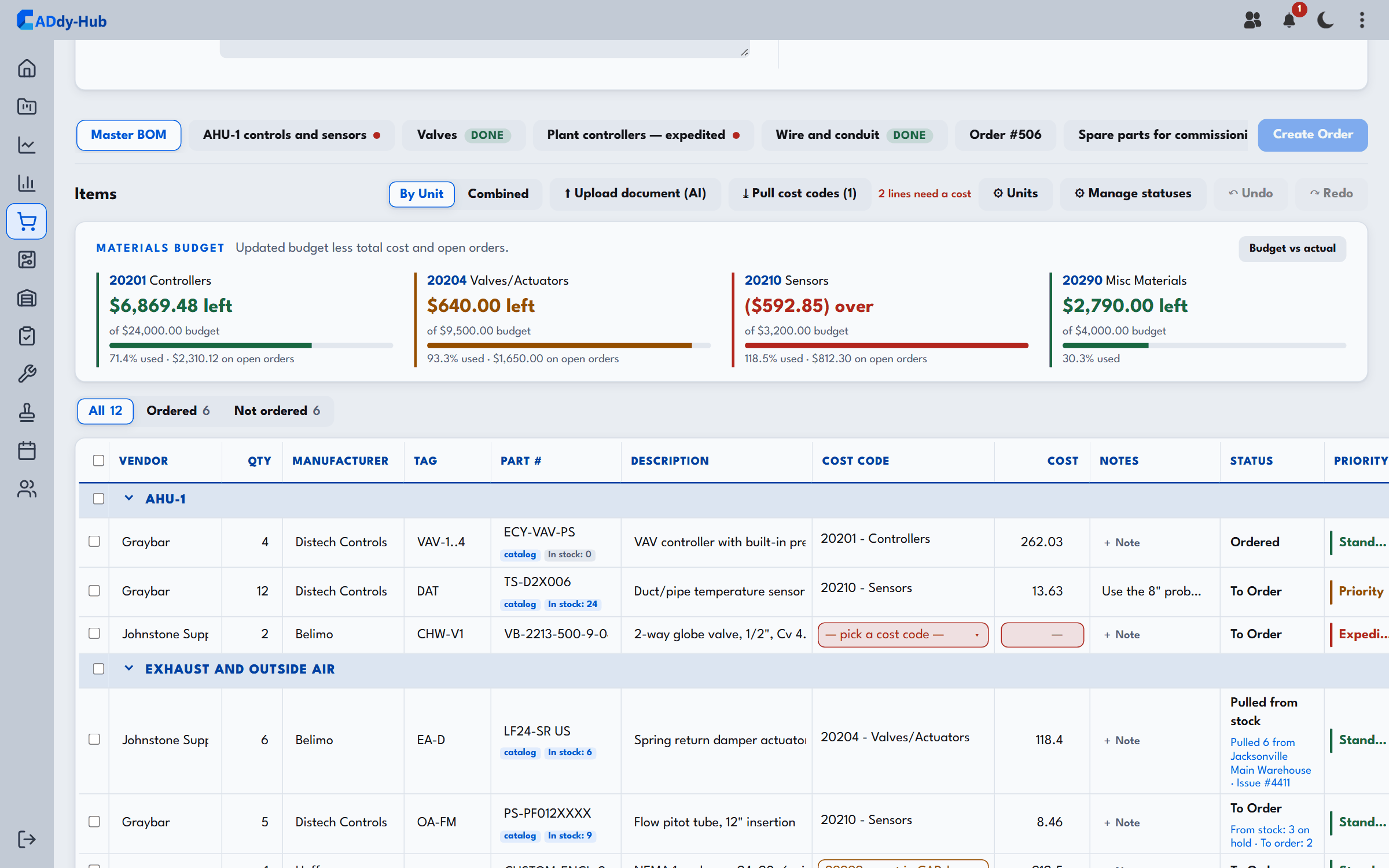
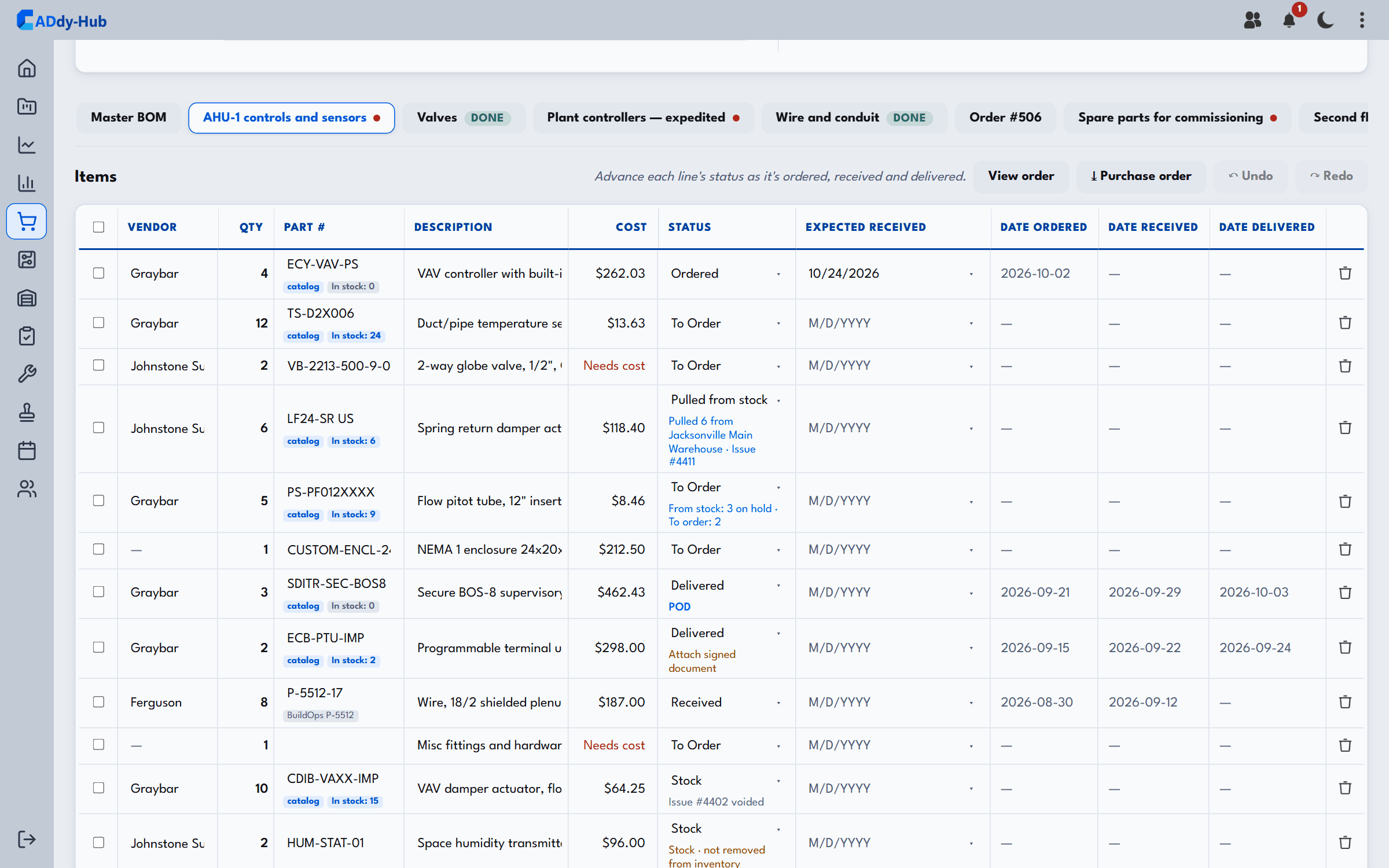
Lay out every part a job needs, unit by unit, watch the materials budget as orders go out, and raise each order straight from the list.

We emailed you a 6-digit code. Enter it to finish signing in.
By signing in you agree to the External User Terms and Privacy Notice. You will be asked to accept them after you sign in.
Your hub for parts procurement and project tools. Search the catalog, build orders by job, and track every part from order to delivery.
Keep parts organized by project. Create as many orders as a job needs, group them by category, and see status at a glance.
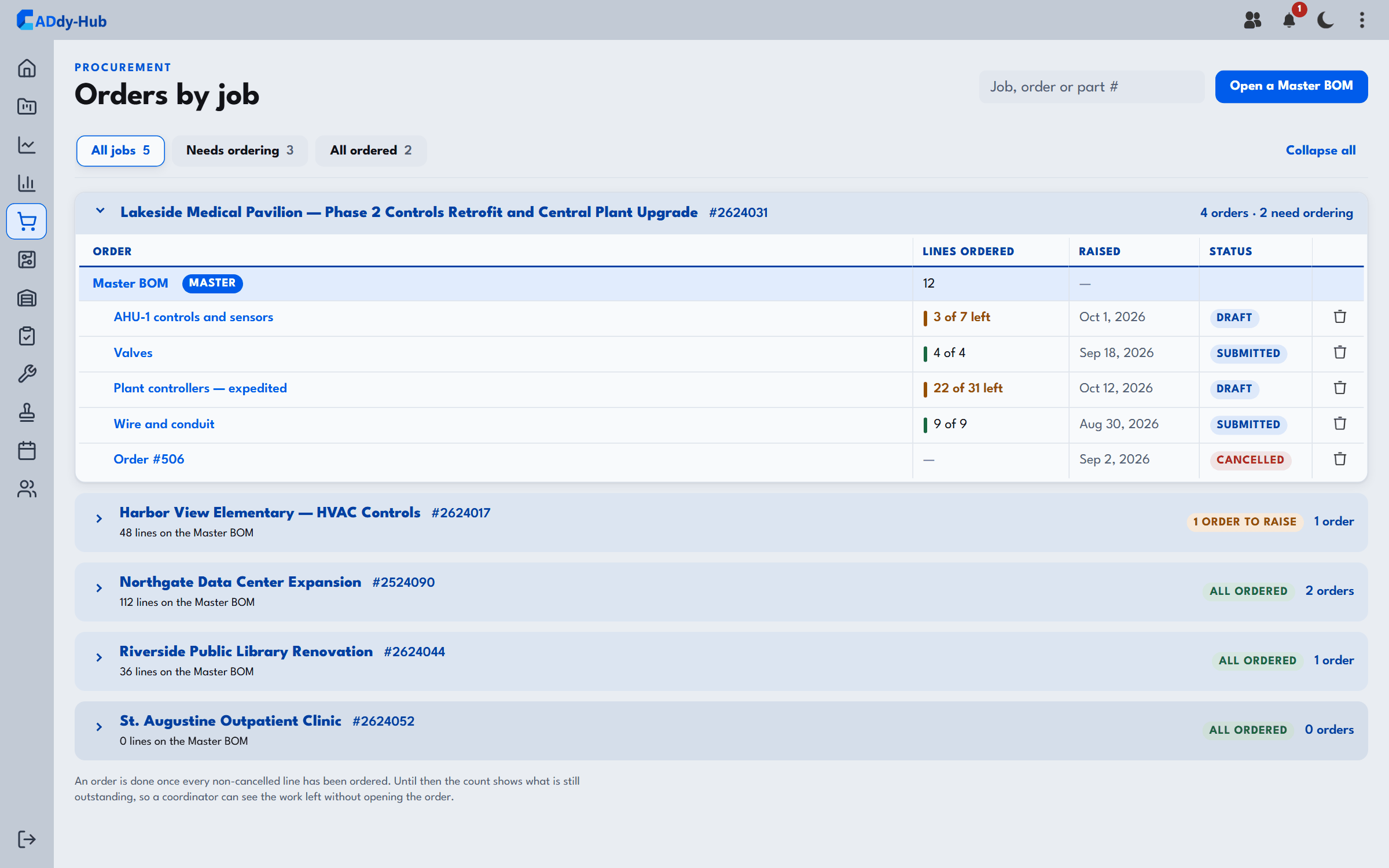
Lay out every part a job needs, unit by unit, watch the materials budget as orders go out, and raise each order straight from the list.
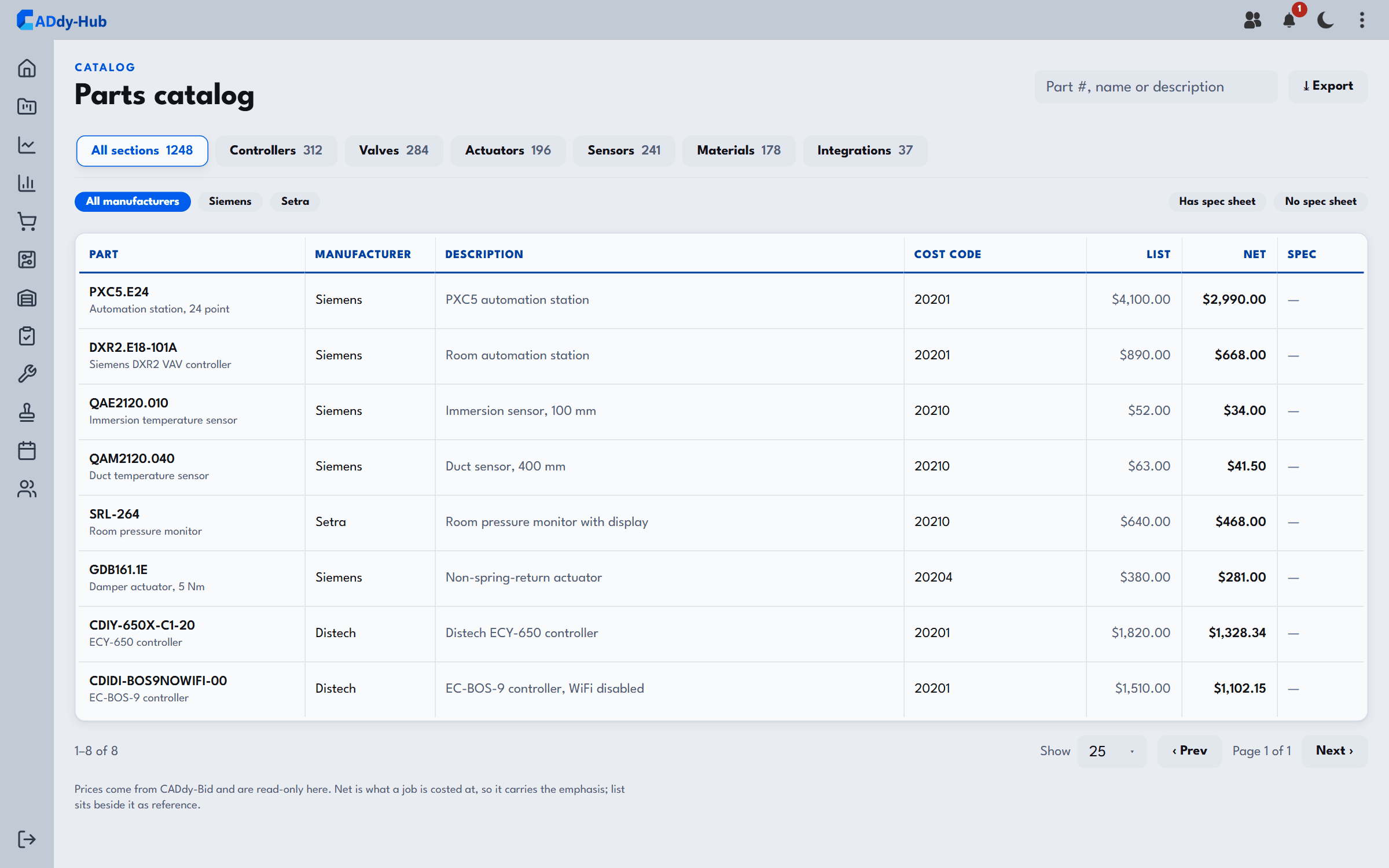
Pull real parts from the shared catalog — manufacturer, part number, pricing, and spec sheets — or add free-text items for store-bought materials.
Per-line status follows the dates — ordered, received, delivered — and rolls up to the order so nothing slips through.
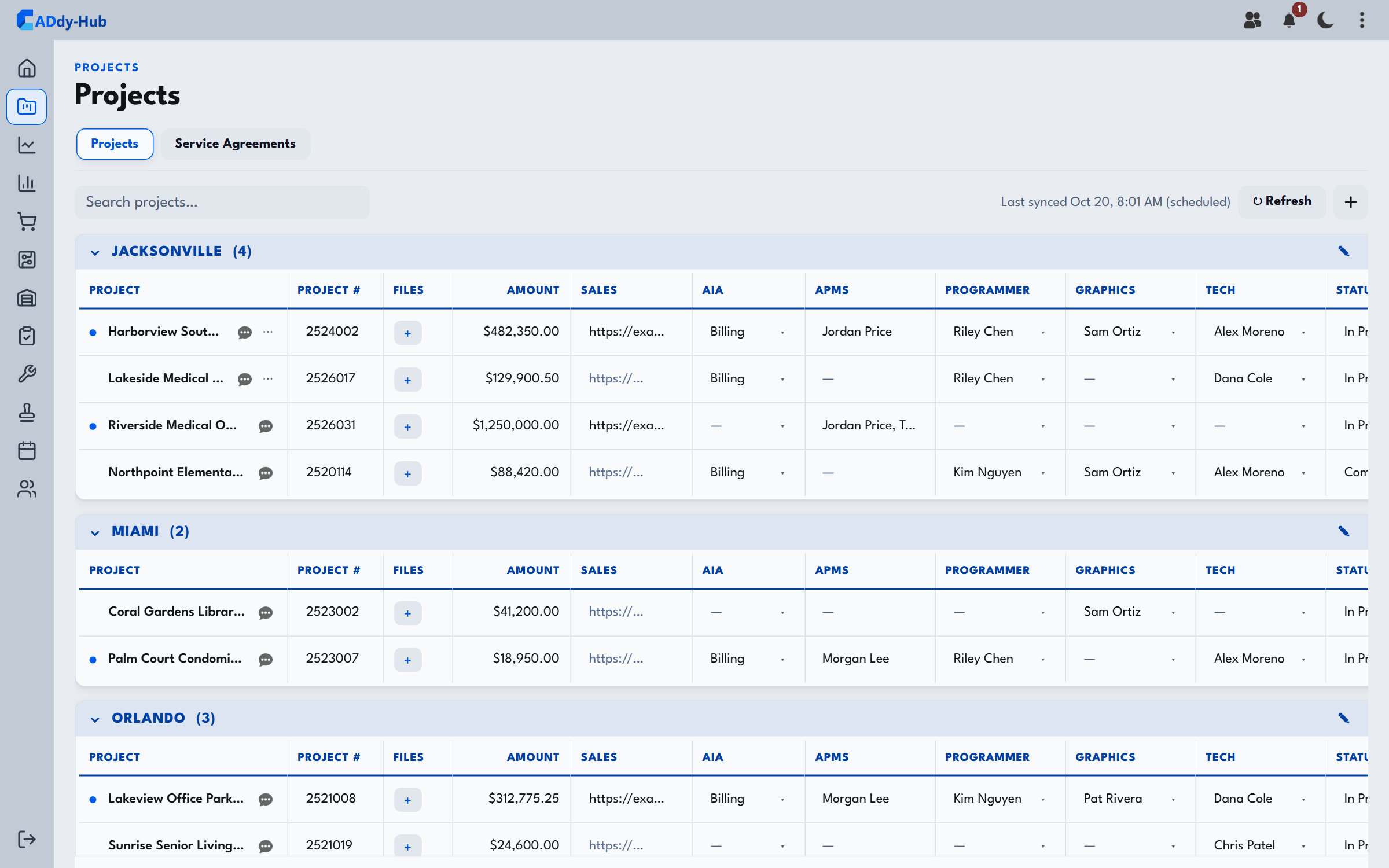
Every job in one place. Open a project to build its Master BOM by unit, spin off orders, and roll parts up across the whole scope — admins can create new projects on the fly.
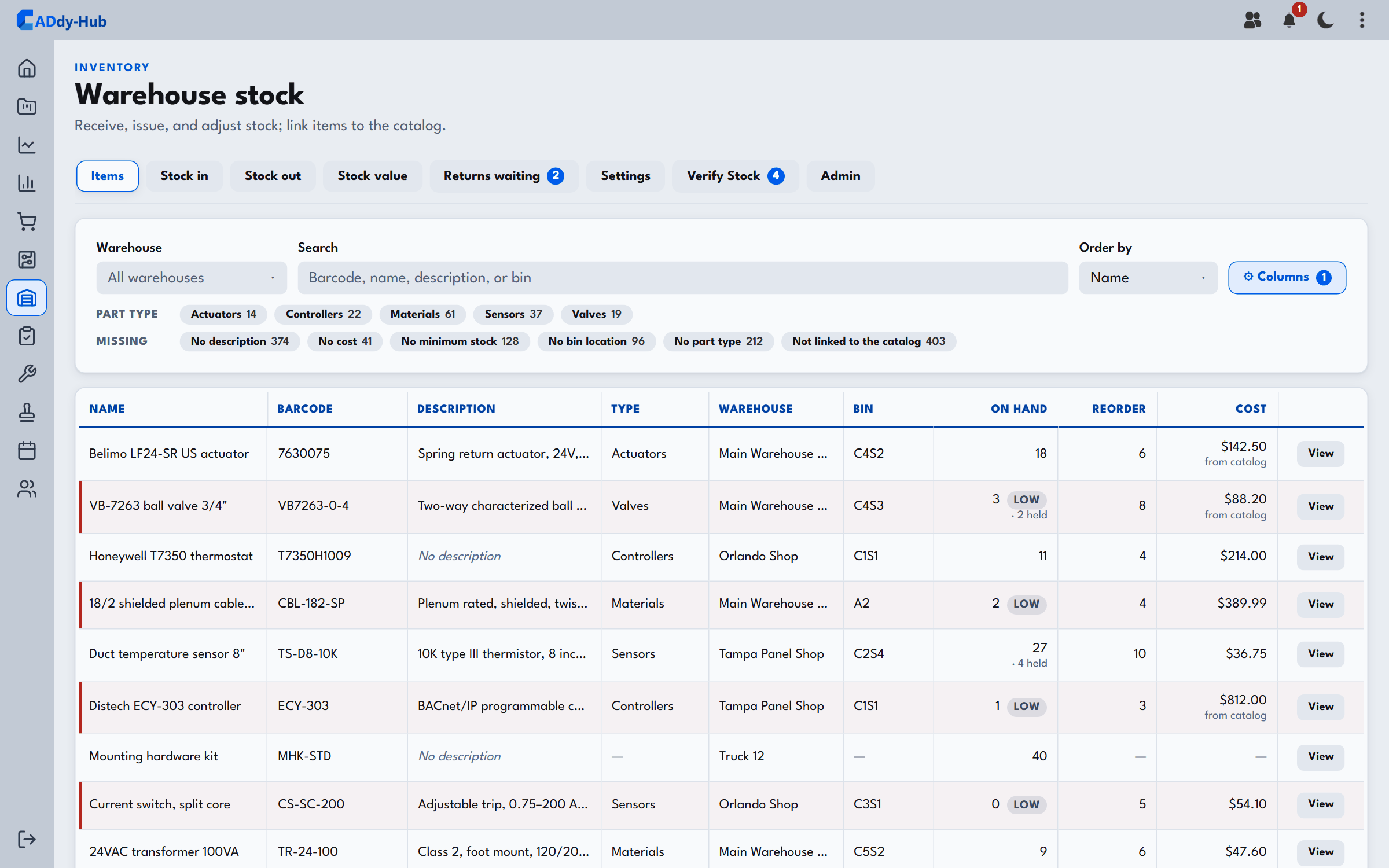
Warehouses, on-hand counts, and low-stock flags — receive, adjust, and issue parts straight to a job so what leaves the shelf ties back to the project.
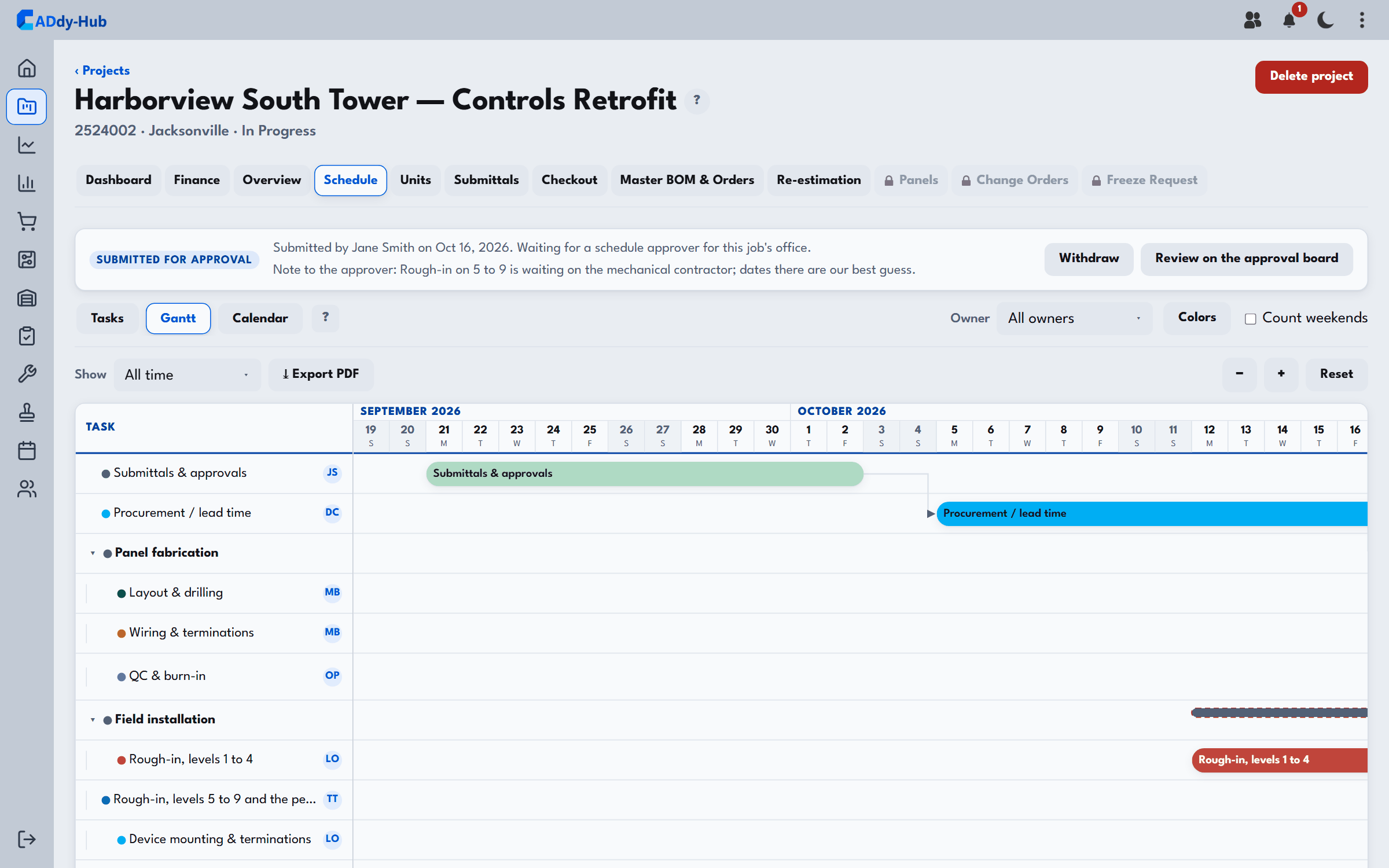
A per-project Gantt and calendar with owners, dependencies, and drag-to-reschedule — plan programming, graphics, and shop work on one timeline.
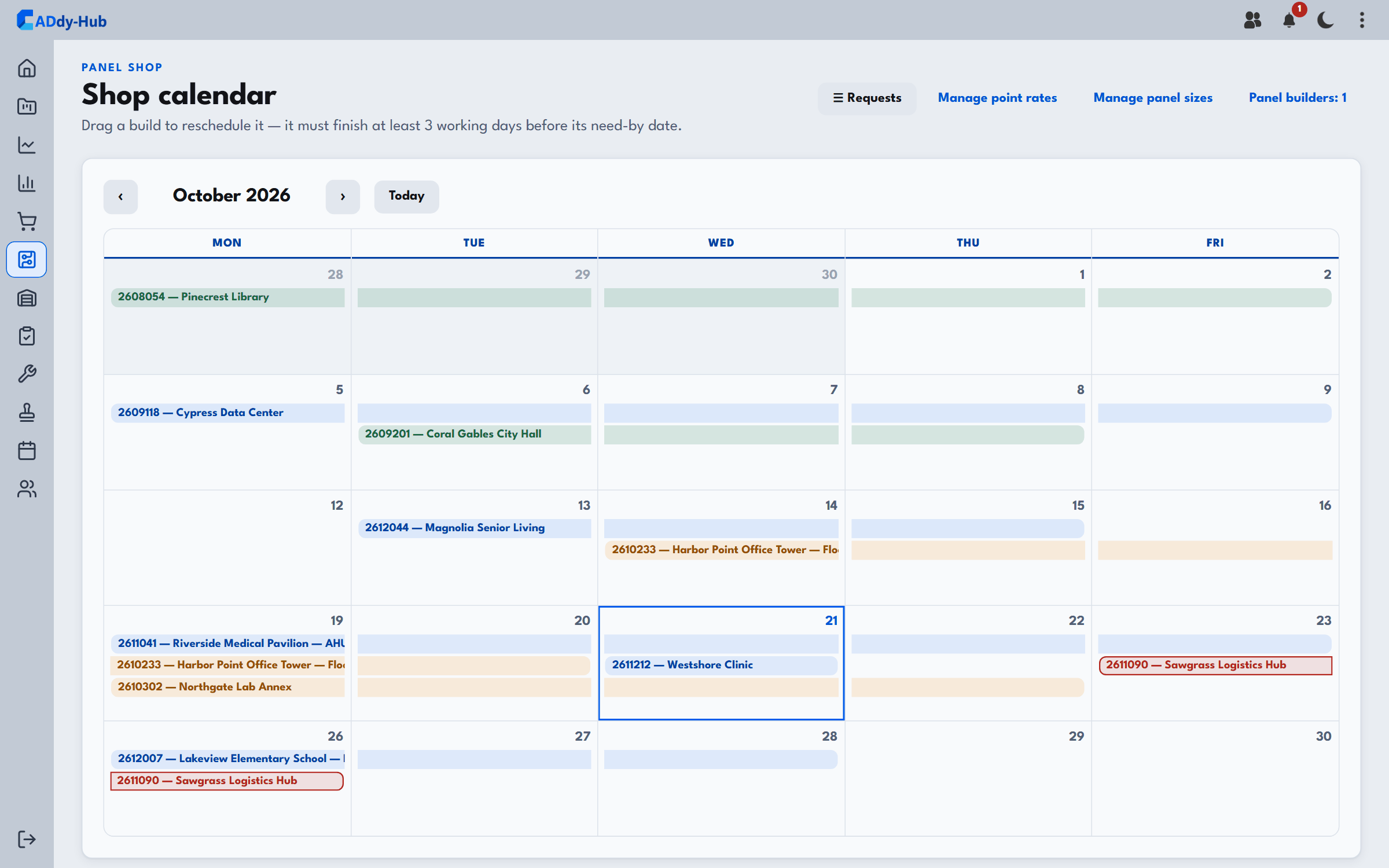
Estimate builds by points and panel size, schedule them on the shop calendar, and keep submittals moving — a shared view across every office.